
Your conversations, inside your AI.
Connect Claude, ChatGPT or Copilot to every call, meeting and voice note in RocketPhone.ai.
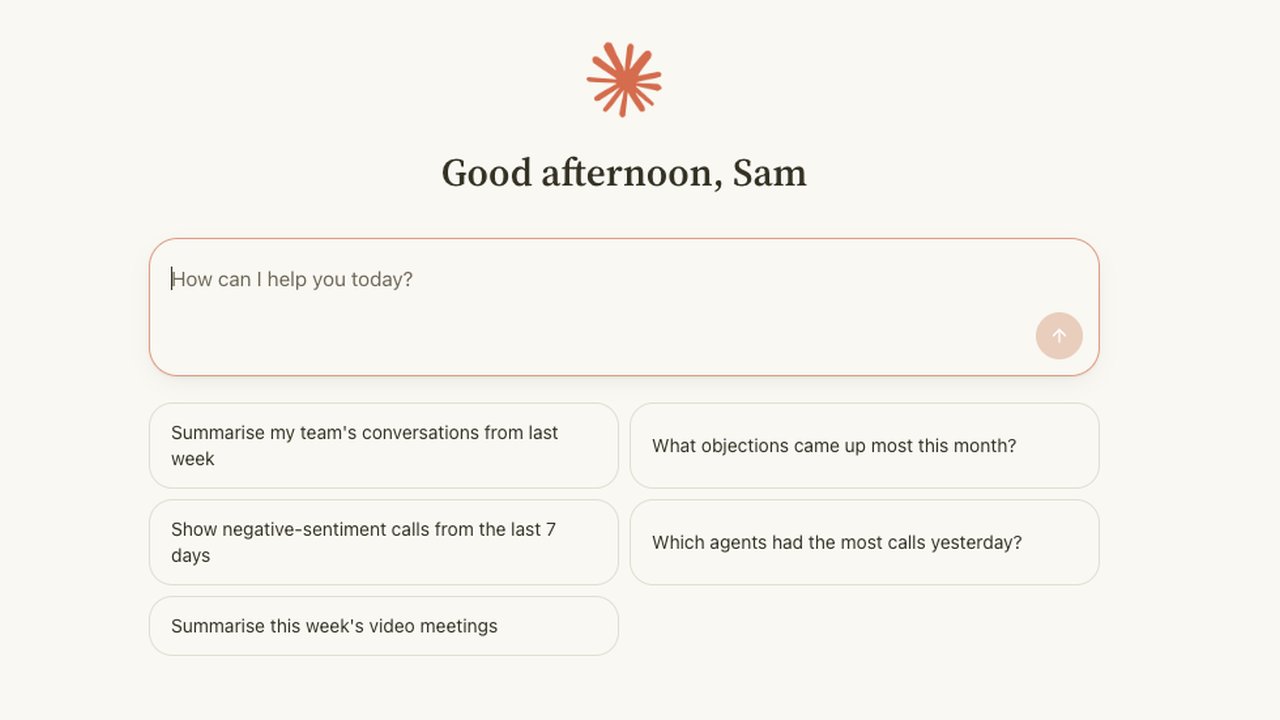
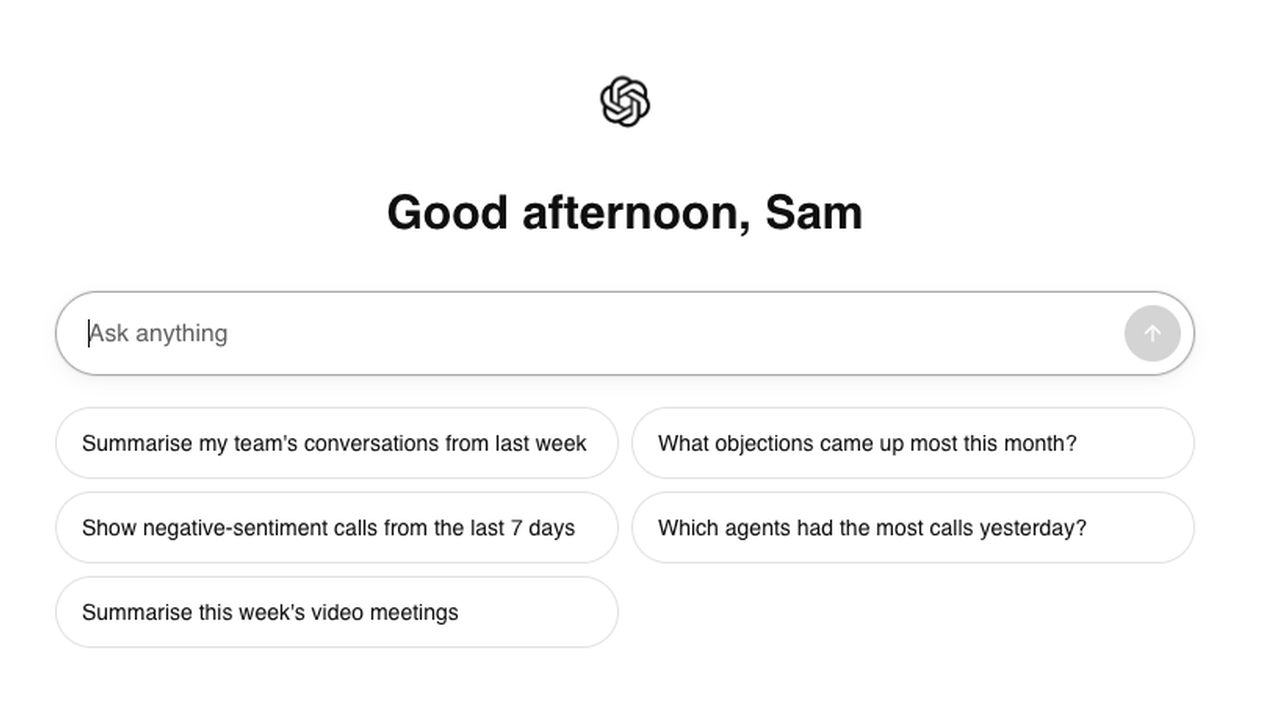
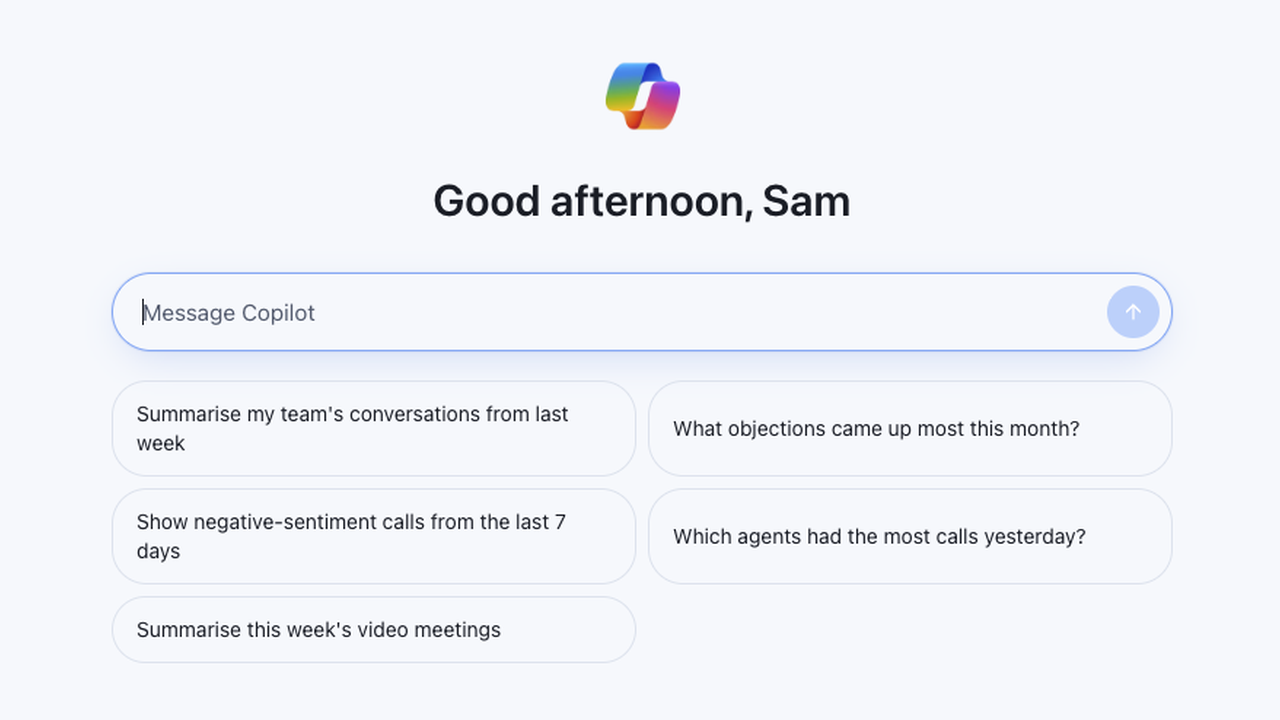
Introducing the RocketPhone.ai MCP
70 seconds on how it works across Claude, ChatGPT and Copilot.
One connection. Every channel.
RocketPhone Softphone
Calls made and taken inside Salesforce.
RocketCell
Business mobile calls from the field, recorded at the network.
RocketVideo
Teams, Google Meet, Zoom and Webex meetings.
RocketScribe
Voice notes recorded after a visit or between meetings.
Why not just give your AI the transcripts?
Raw transcripts are slow and expensive at scale. RocketPhone.ai processes every conversation as it happens, so your AI starts from summaries, topics and bookmarks, and only reads the transcript when it needs the evidence.
Read the full argument →Raw transcripts
- Every word, every question
- Hits context limits
- Slow and costly at scale
- Key moments buried
Pre-processed by RocketPhone.ai
- Summaries, topics and sentiment ready to query
- Bookmarks jump straight to key moments
- Filtered by Salesforce context first
- Transcript kept as the source of evidence
Build on the REST API
Pull the same conversation data into your own apps, BI tools and AI agents.
curl -X POST https://portalapi.rp4s.app/api/v1/call-logs/search \
  -H "X-RP-API-Key: YOUR_API_KEY" \
  -H "Content-Type: application/json" \
  -d '{
    "keywords": ["pricing"],
    "call_directions": ["outbound"],
    "from": "2026-11-01T00:00:00Z",
    "to": "2026-11-30T23:59:59Z",
    "limit": 25
  }'
How to connect
We send your MCP URL when you're onboarded.
Claude and ChatGPT
- 1Open your settings and add a custom connector.
- 2Paste your RocketPhone.ai MCP URL.
- 3Sign in with your RocketPhone account and start asking.
Needs a paid plan.
Microsoft 365 Copilot
- 1Create an agent in Copilot Studio, for example "RocketPhone".
- 2Under Tools, choose Add a tool, then Model Context Protocol. Paste your RocketPhone.ai MCP URL and sign in.
- 3Publish the agent to the Microsoft 365 Copilot and Teams channel.
- 4An admin approves it in the Microsoft 365 admin centre for the users who need it.
Needs Copilot Studio and IT admin approval.
Developers use the REST API with an API key instead. API documentation →
Frequently asked questions
Put every conversation to work in your AI
Book a demo and we'll show you the RocketPhone.ai MCP on your own data.